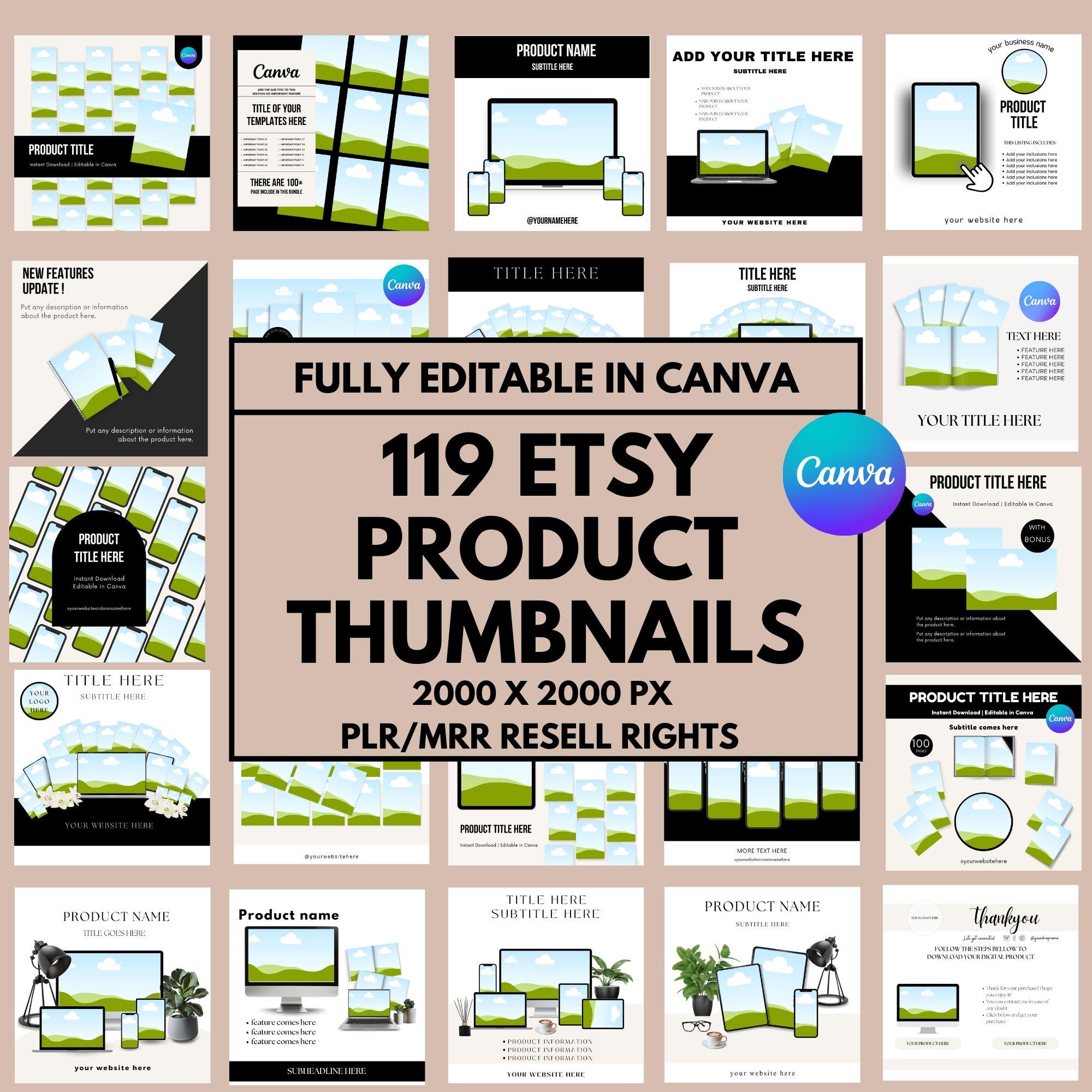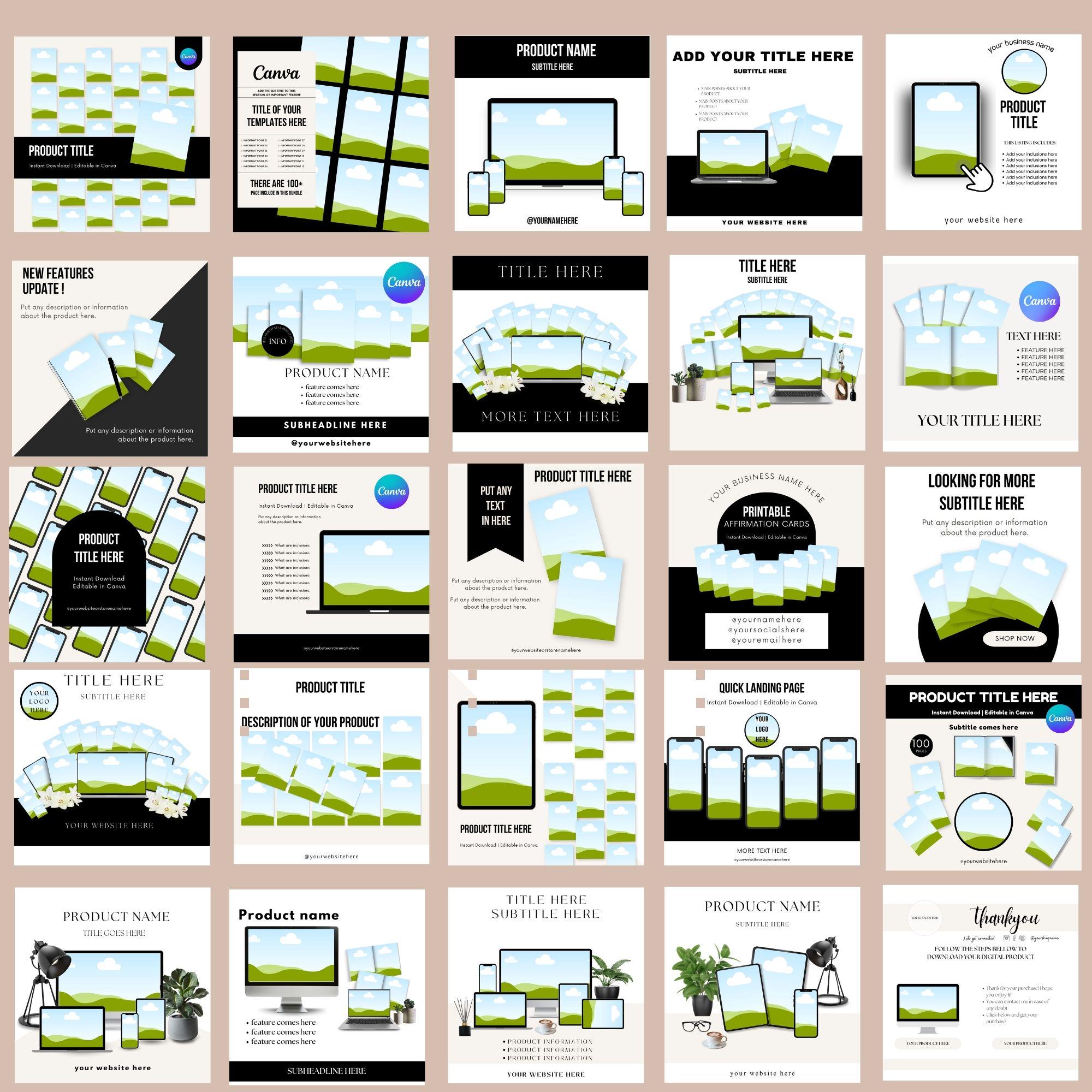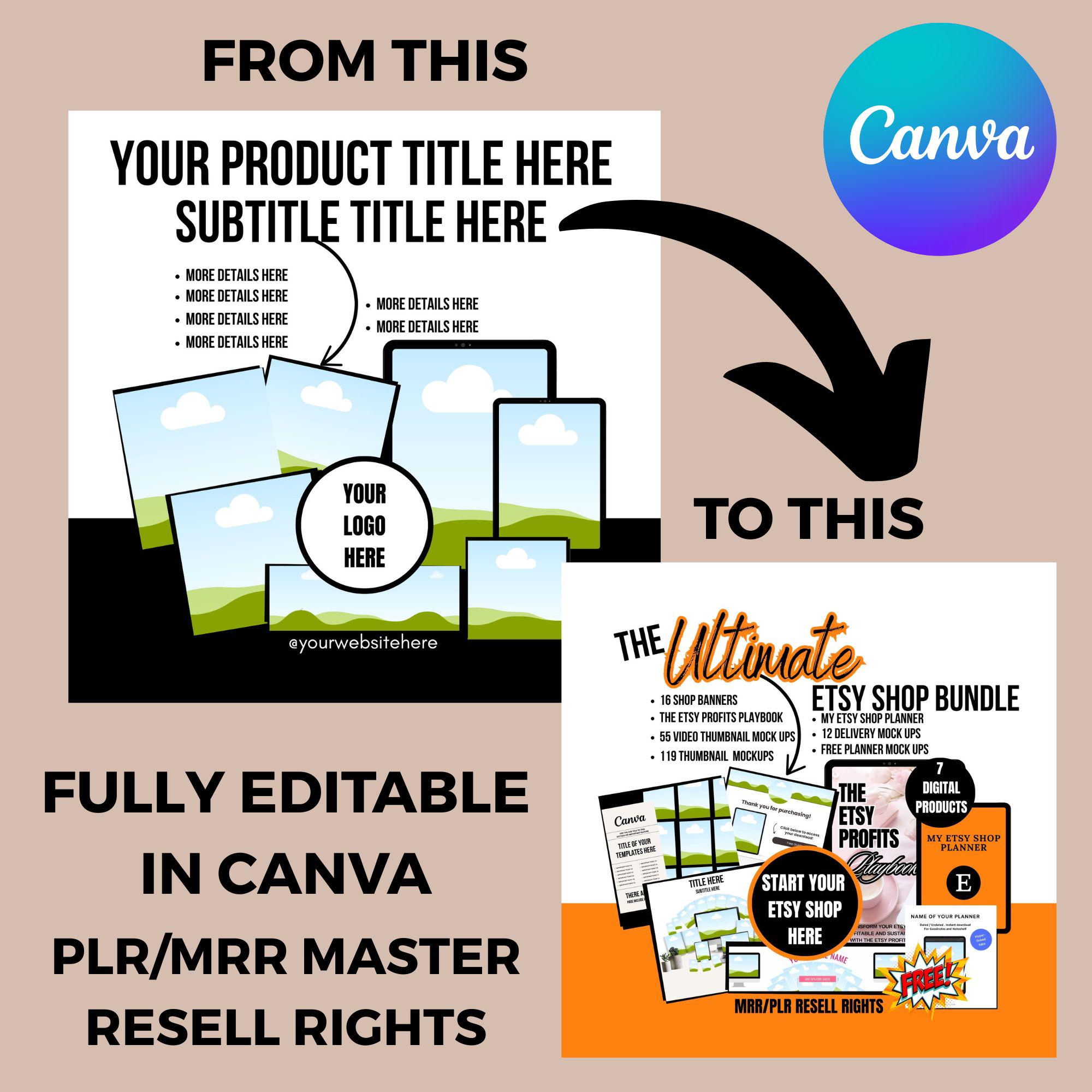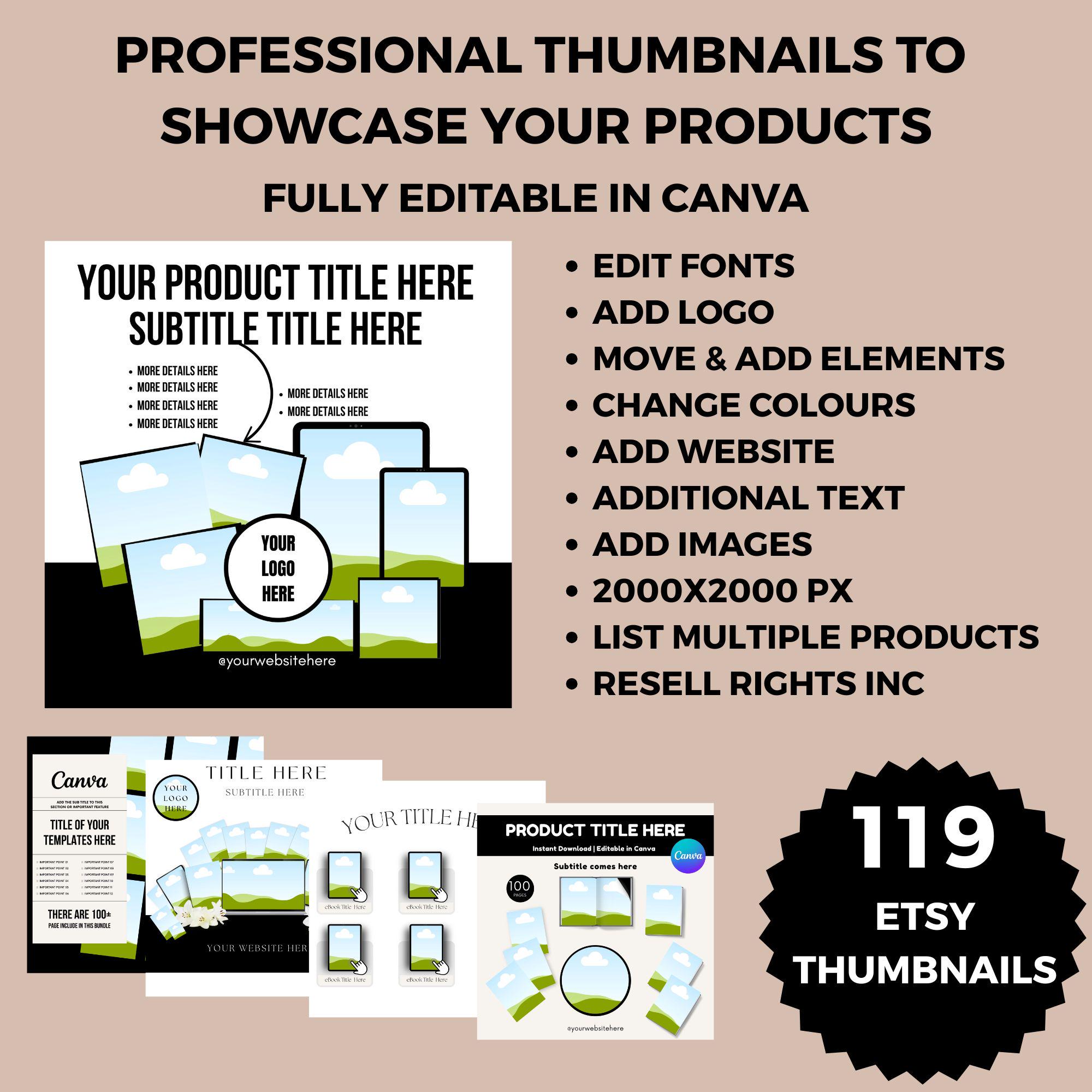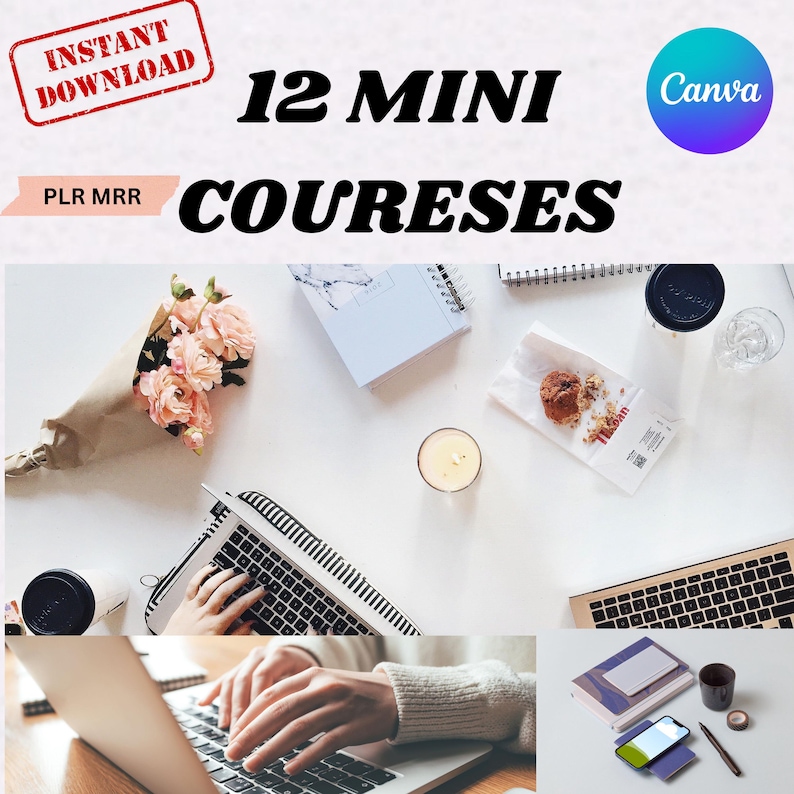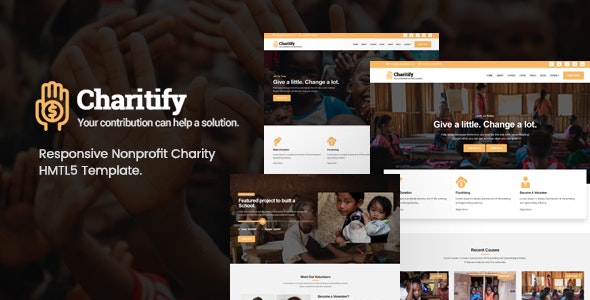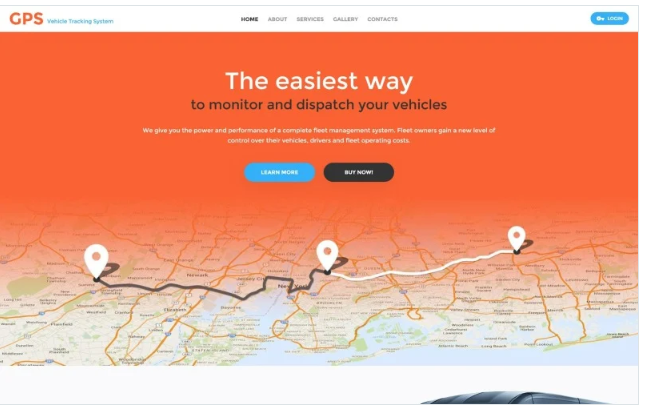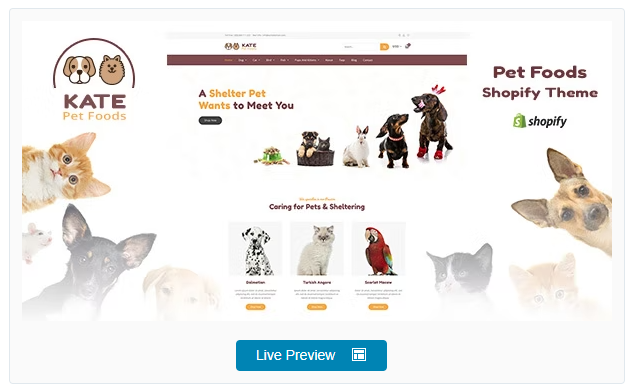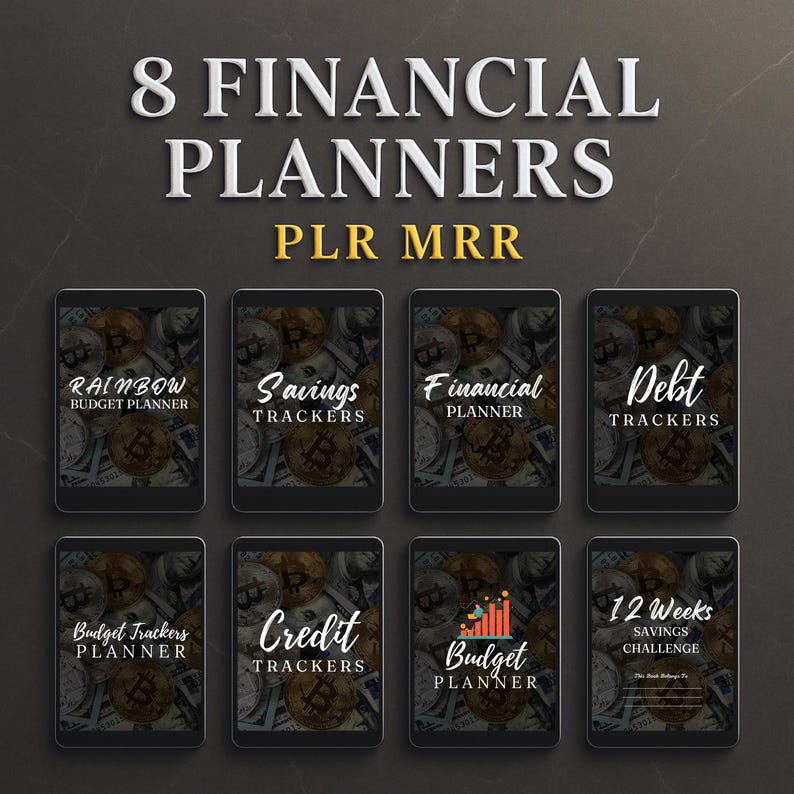
119 Canva Etsy Product Thumbnail Mockups: PLR/MRR Resell Rights Canva template Digital Download
Please Sign In To Contact This Author
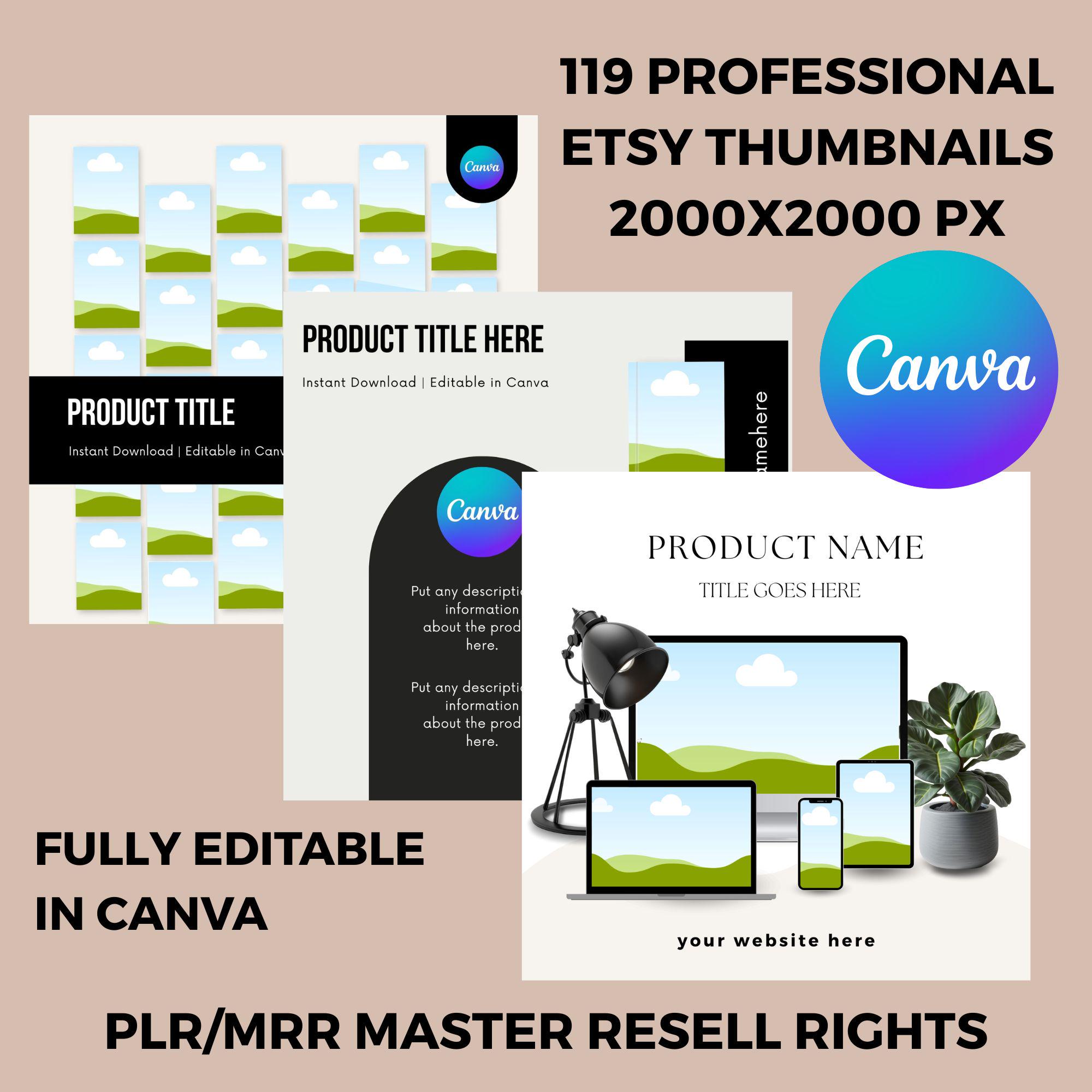
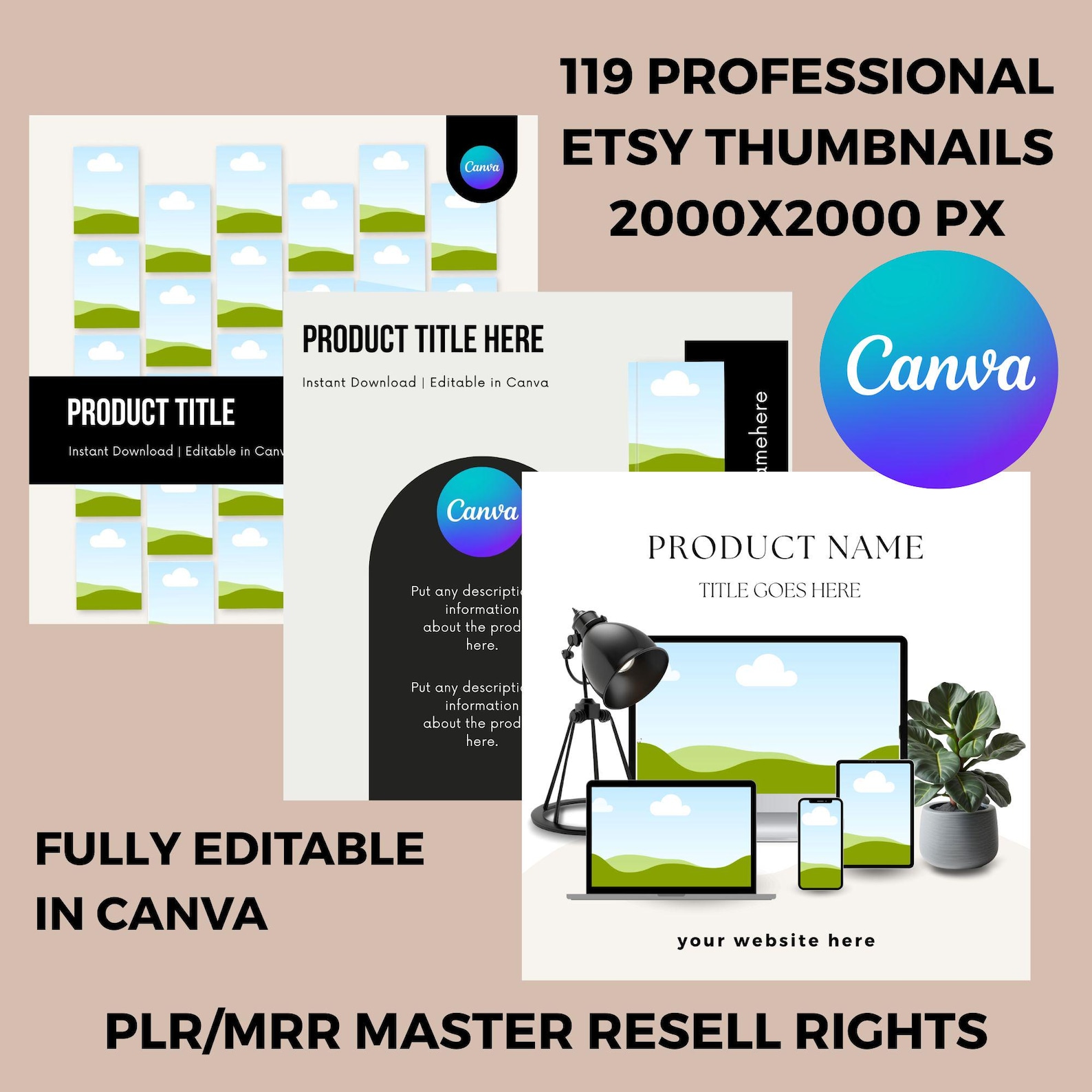
119 Product Thumbnail Mock ups Bundle with PLR/MRR Master Resell Rights.
2000X2000 PX is the exact Thumbnail size to give your Etsy products a a professional look with these fully editable thumbnails.
PLEASE NOTE YOU NEED A CANVA ACCOUNT TO ACCESS THIS PRODUCT AND CANVA PRO IS NEEDED IF YOU WANT TO CREATE YOUR OWN TEMPLATE LINKS FOR RESALE.
? You can use these thumbnails to showcase your Etsy products and give them a professional look!
? Use it for personal purposes
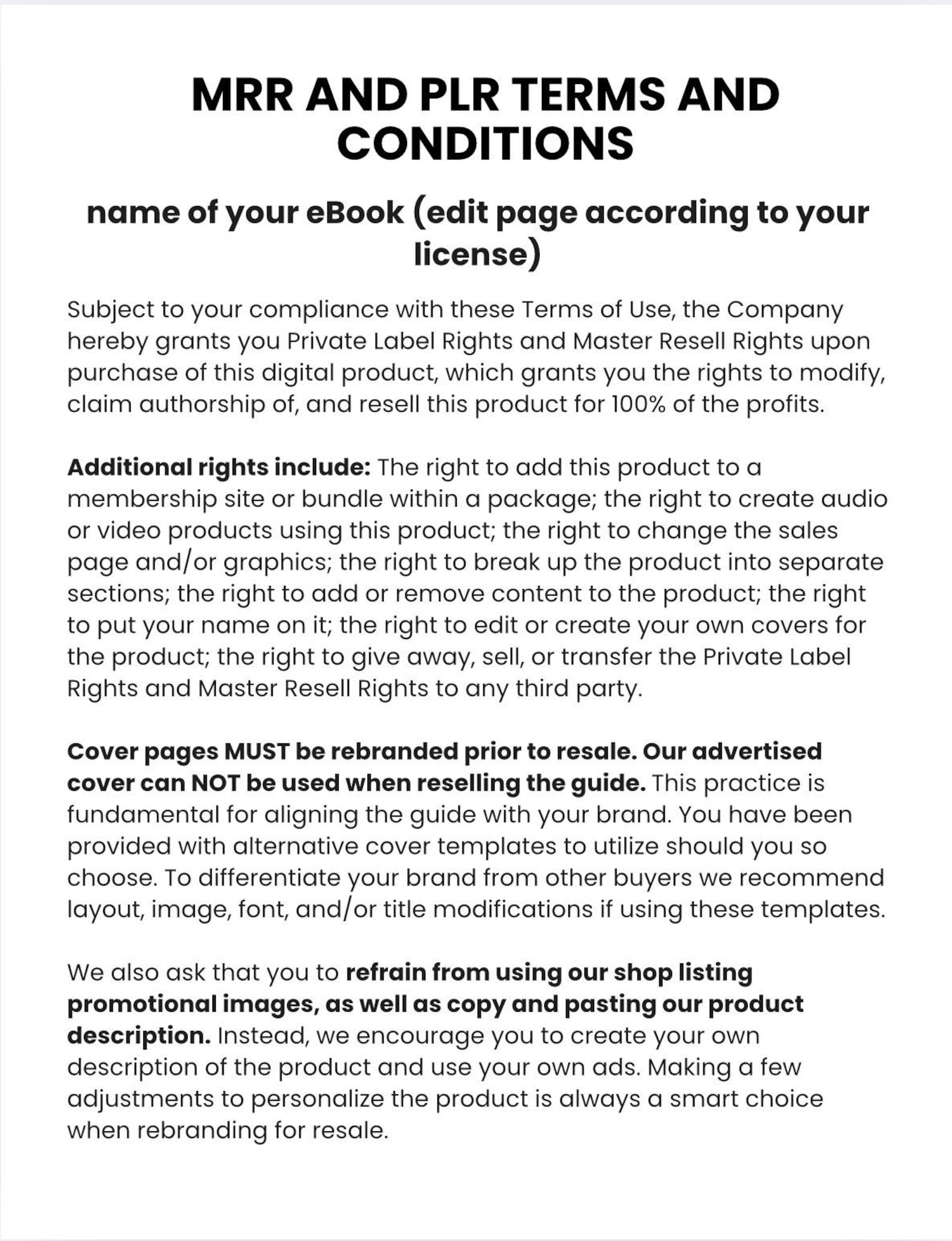
? Resell it for full profit, including PLR/MRR rights
? Provide others with the PLR/MRR license
? Sell as the original a Canva templates or as a finished product
? List on any marketplace
? Fully editable
IDEAL FOR
Etsy Sellers
Digital Product Sellers
Entrepreneurs & Side Hustlers
Coaches, Bloggers & Content Creators
Small Business Owners
INSTANT DIGITAL DOWNLOAD: These templates are ready for you to use with the free software Canva.
PLEASE NOTE YOU NEED A CANVA ACCOUNT TO ACCESS THIS PRODUCT AND CANVA PRO IS NEEDED IF YOU WANT TO CREATE YOUR OWN TEMPLATE LINKS FOR RESALE
BRAND CUSTOMISATION:
Personalising the product is a wise decision when rebranding it for resale.
Please DO NOT use my shop listing promotional images/THUMBNAILS or copying/pasting my product description verbatim. Instead, consider crafting your distinct product description and using original advertisements that reflect your unique style. My thumbnails do NOT have PLR/MRR & can not be used, please make your own
INSTANT DIGITAL DOWNLOAD:
HOW TO USE:
1. To customise the template, sign up for a FREE Canva account at canva.com.
PLEASE NOTE YOU NEED A CANVA ACCOUNT TO ACCESS THIS PRODUCT AND CANVA PRO IS NEEDED IF YOU WANT TO CREATE YOUR OWN TEMPLATE LINKS FOR RESALE
2. Upon purchase, you'll instantly receive a PDF document containing a link to your files and step-by-step instructions on accessing the templates in Canva. To download it, navigate to your account > purchases & reviews > select your order.
3. Click the link in the PDF, directing you to Canva, where you can initiate customisation.
4. Click on File (top left corner) and select Make a Copy. Proceed to that copy, start editing and customising it according to your preferences. You can customize colours, fonts, images, and other elements as you see fit. You can edit and use your template multiple times, providing flexibility for numerous final products.
5. I have included a template link to help you